Overview
Adding a Shabad to your favourites allows you to go back and view it when it's convenient to you. Every Shabad added to the favourites list is added to the top of the list by the date and time it was added.
Instructions
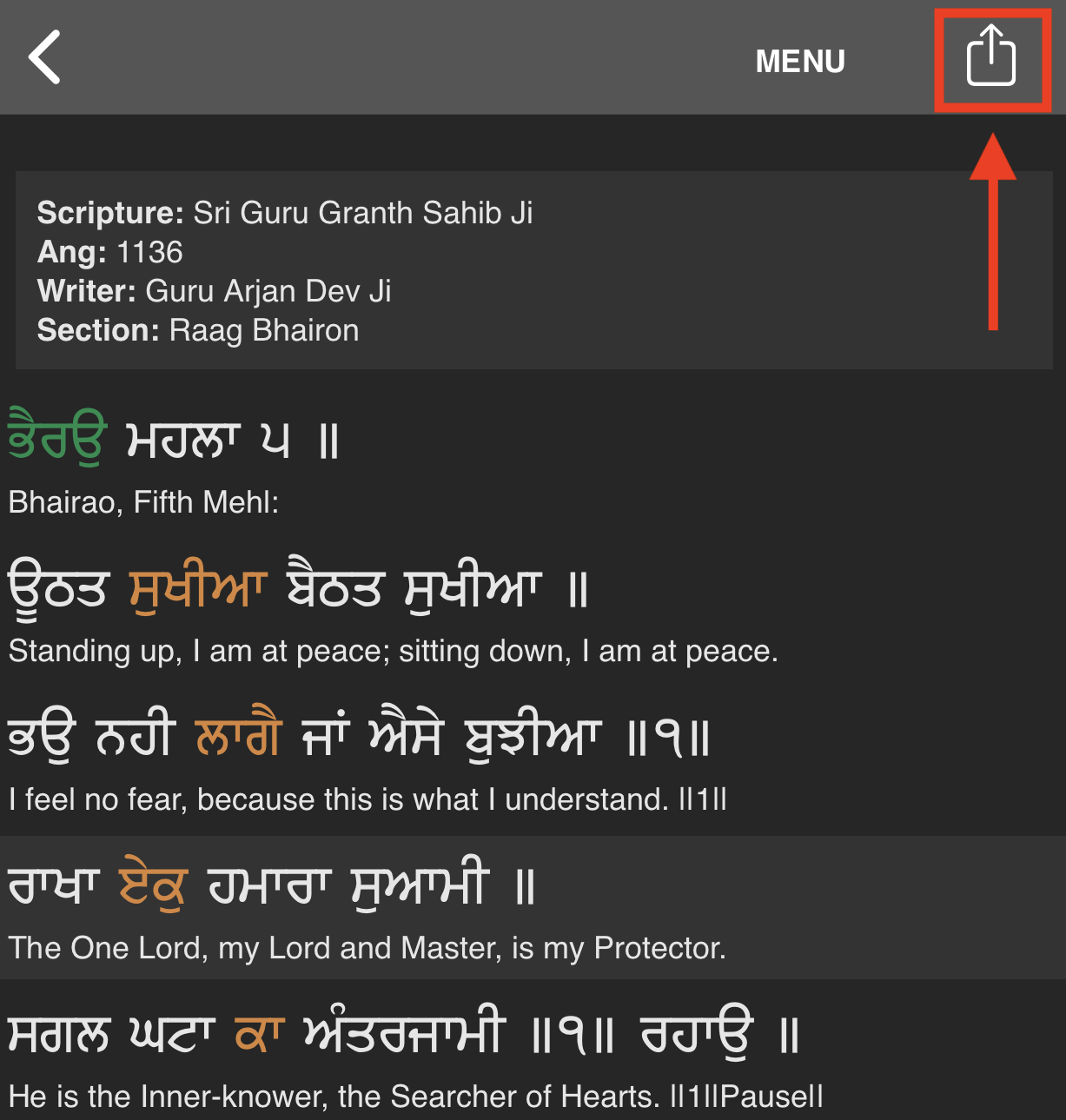
- To add a Shabad that you are viewing to your favourites press the share menu button in the navigation bar.
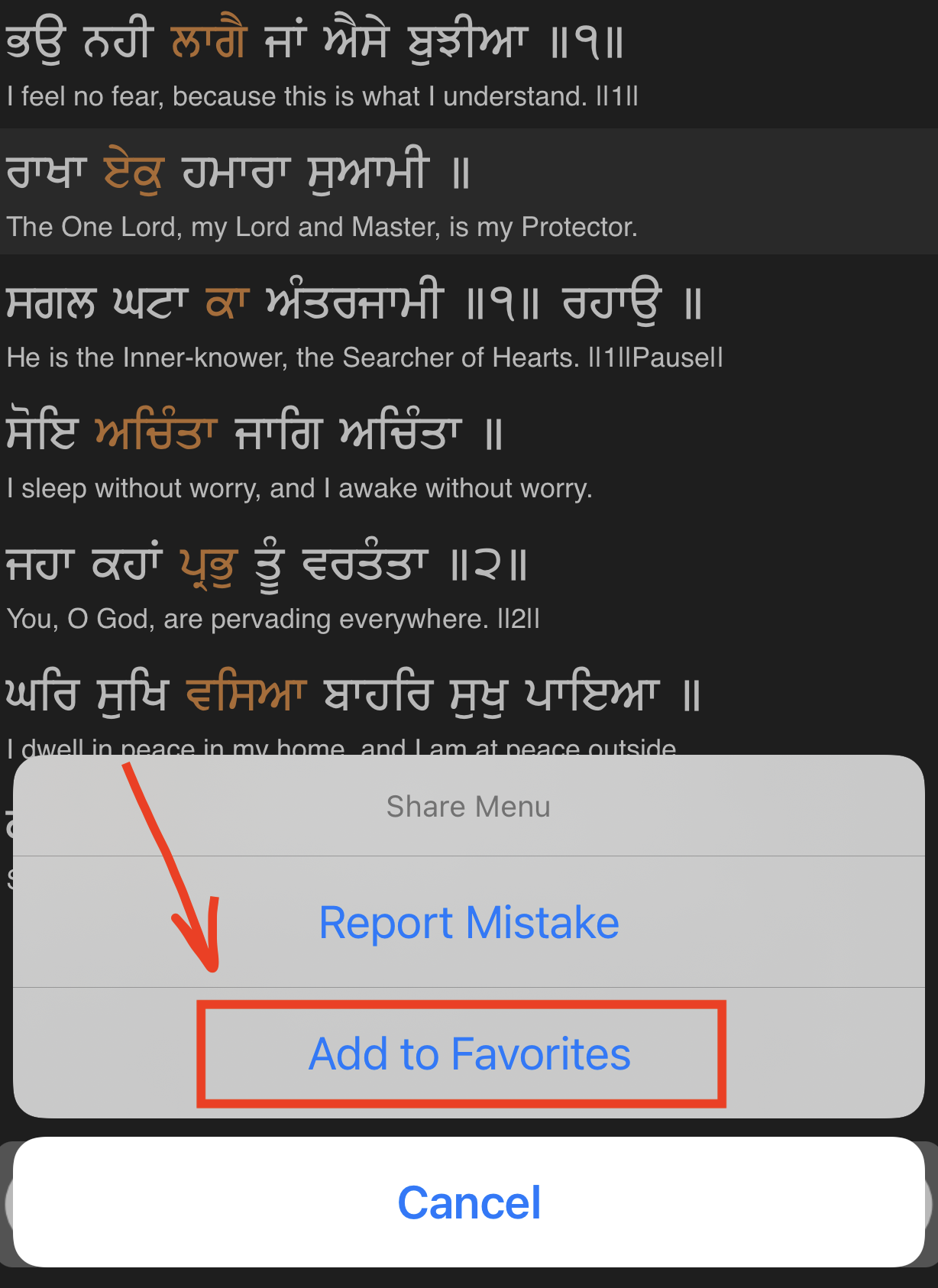
- Select the Add to Favourites option.
- Select which Verse you would like to add that will bring up this Shabad and then press Done to add.

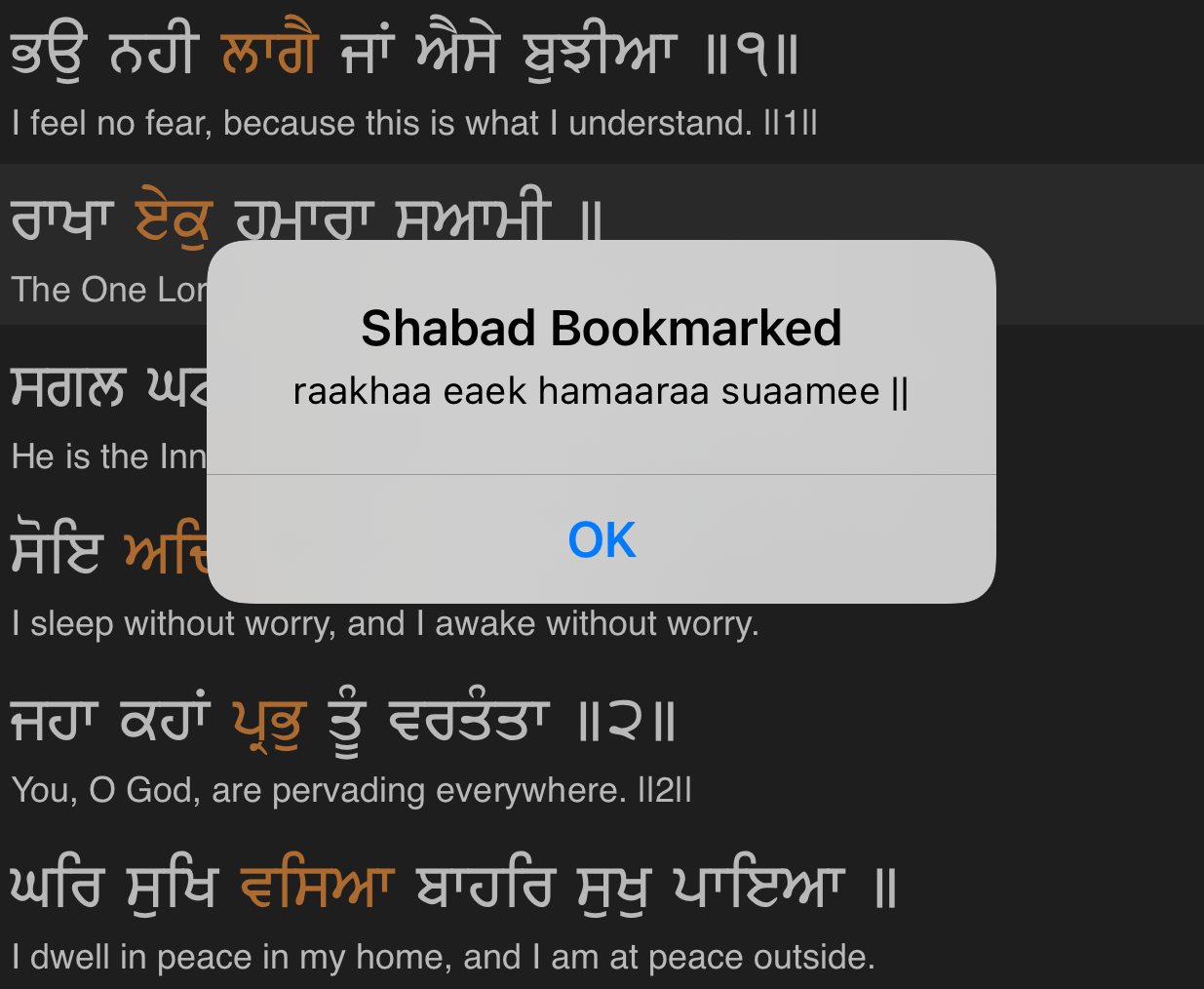
- When the Verse is added successfully there will be a message to confirm.